
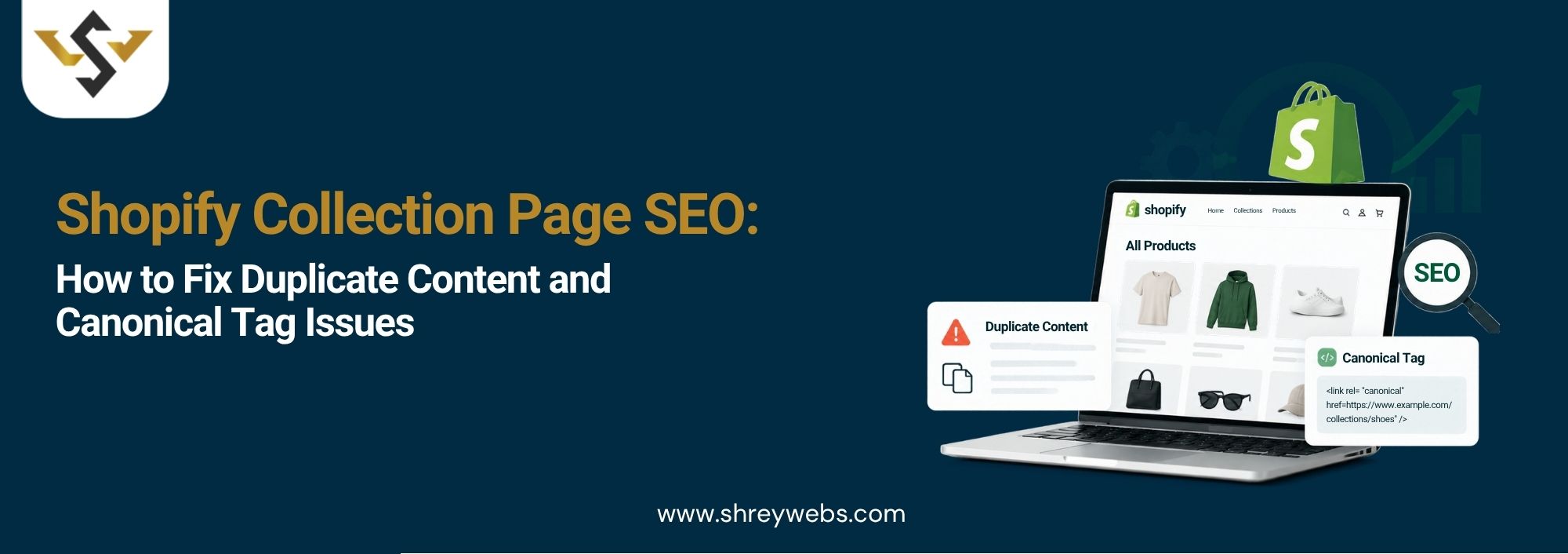
Most Shopify store owners spend hours on product photos and descriptions. Collection pages? They usually get a title, a banner and nothing else. That’s a missed chance, because Shopify collection page SEO is often what decides whether your store shows up for searches like “cotton kurtis for women” or “men’s running shoes.”
Here’s the thing. Your content might be fine. The real trouble sits in how Shopify creates URLs on its own. A single product can end up on three or four different links, filters spin out hundreds of lookalike pages, and Google has to guess which one to show.
We see this in almost every Shopify audit we run, so this guide sticks to what actually causes it and how to fix it without breaking your store. And if you’d rather not touch the theme code yourself, our Shopify SEO Services team can take care of it for you.
Why Collection Pages Deserve More Attention
Picture a collection page as a shelf in a shop. A person searching “silver jewellery for women” isn’t looking for one ring. They want to see what’s out there. Google gets that, which is why it often ranks category pages for broad searches with good volume.
So yes, Shopify product page SEO matters. But products go out of stock, get replaced, and change prices. A solid collection page can sit on page one for years if you look after it. That’s why Shopify collection page SEO deserves just as much of your time.
Where Shopify Duplicate Content Comes From
You don’t have to do anything wrong to end up with Shopify duplicate content. Shopify’s default setup creates it quietly. The usual culprits:
- Product links nested inside collections, like /collections/sarees/products/red-silk-saree
- The same product also living at /products/red-silk-saree
- Sort and filter URLs, such as sort_by=price-ascending or filter. v.color=red
- Paginated pages (?page=2, ?page=3) repeating the same intro text
- Tag URLs like /collections/sarees/cotton
- Supplier descriptions pasted across dozens of products
Google won’t penalize you for this. What it does is split your signals. You wanted one strong page. Google sees five weak copies, picks one itself, and it isn’t always the one you’d pick.
A Quick Example
Say you sell handmade leather bags from Jaipur. Your “Laptop Bags” collection has 40 products, and most of them also sit in two or three other collections. That’s already 100+ extra product URLs. Now add color and price filters. The number jumps quickly, and this is where Shopify faceted navigation SEO stops being optional.
How Shopify Canonical Tags Work
A canonical tag is one line of code in the page head. It tells Google, “treat this URL as the main one. ” Shopify canonical tags come built into most themes, which saves you a lot of work.
For example, /collections/sarees/products/red-silk-saree normally points its canonical to /products/red-silk-saree. Good. But Google reads canonicals as a suggestion, not a command. If your own internal links keep pointing at the nested version, Google may ignore the tag and index the wrong page anyway.
This goes beyond rankings, too. A messy URL setup wastes crawl budget and slows down how shoppers move through your store, which hurts your overall E-commerce Store Performance.
How to Check Your Canonicals
Open a product or collection page, right-click, hit “View Page Source,” and search for “canonical.” The URL you see should be the clean version of that page. For a second opinion, run the page through URL Inspection in Google Search Console. It shows the canonical Google actually chose, and honestly, it’s sometimes not the one you set.
Shopify Collection Page SEO Fixes That Actually Work
Now for the fixes. Most of these work on any theme, and you won’t need a developer for every single one:
- Edit the product card snippet so links point to /products/ URLs, not nested ones.
- Check that each collection page has a self-referencing canonical
- Write a unique intro of 150 to 250 words for every main collection.
- Give each collection a clear H1 and a proper meta title with its keyword.
- Keep filters and sort URLs out of menus and internal links.
- Rewrite copied supplier descriptions in your own words
Start with the first one. Most stores miss it. In many themes, you’ll find “within: collection” inside the product card snippet. Remove it, and Shopify stops creating nested product links across the whole store. It’s a two-minute edit that cleans up hundreds of URLs.
Handle Filters the Right Way
Shoppers love filters. Googlebot, not so much. Good Shopify faceted navigation SEO comes down to one question: which filtered pages are worth ranking, and which ones should stay in the background?
“Cotton sarees” probably has real search demand, so turn it into its own collection with its own intro. “Blue sarees, size M, sorted by price” has zero search value. Let those URLs canonicalize back to the main collection and keep them out of your navigation.
Don’t Ignore Speed
Collection pages load a lot of images at once, which makes them some of the slowest pages on most stores. Slow pages get crawled less, and on mobile data, shoppers simply leave. Compress your images, turn on lazy loading and delete apps you no longer use. If the store is still sluggish, proper Shopify Page Speed Optimization usually makes a clear difference.
Collection Pages and Product Pages Should Work Together
Don’t let your collections and products fight over the same keyword. Good Shopify collection page SEO goes after broad terms like “women’s ethnic wear.” Shopify product page SEO should keep each product focused on something specific, like “yellow chanderi kurta set.”
Then connect them. Link from collection intros to your best sellers, and from each product back to its parent collection. Google can follow that structure easily, and so can your customers. It also helps your Shopify product page SEO, because each product picks up internal links from a page that already ranks.
How to Track Your Results
Once the changes are live, give Google a few weeks to recrawl. In Search Console, open the Pages report and keep an eye on two lines: “Duplicate without user-selected canonical” and “Alternate page with proper canonical tag.” The first number should slowly go down.
The best proof that your Shopify collection page SEO work is paying off is rising impressions for your main category keywords. Check your top five collections once a month. Small shifts show up early if you’re watching.
If you run a small store, you can handle most of this yourself. Once you’re managing thousands of products, it needs regular monthly attention, and that’s what our SEO Packages in India are set up for.
Conclusion
Shopify collection page SEO isn’t about shortcuts. It’s about cleaning up the URLs Shopify creates, giving Google clear canonical signals, keeping filters under control and writing collection content that helps shoppers decide. Fix the internal links first, check your canonicals, then add proper intros to your top collections. For Indian stores in crowded categories, these small changes often show results within a few months.
FAQs
1. What causes Shopify duplicate content on collection pages?
Mainly nested product URLs, filter parameters, pagination and tag pages. Shopify creates these automatically, so most stores have some duplication even when every page is written fresh.
2. Does Shopify add canonical tags automatically?
Yes. Shopify canonical tags are built into most themes. Still, check them now and then, because custom themes and some apps can change or break them.
3. How is Shopify product page SEO different from collection SEO?
Product pages target specific searches for one item. Collection pages target broader category searches. Both need their own titles, meta descriptions and content.
4. Should I apply a noindex tag to filtered collection pages?
Usually not. For most stores, a canonical back to the main collection is the safer choice. Good Shopify faceted navigation SEO means turning only the filter combinations people actually search for into proper collections.
5. How long does it take to see results after fixing duplicate URLs?
Usually 4 to 12 weeks. It depends on how often Google crawls your store and how many pages were affected.