
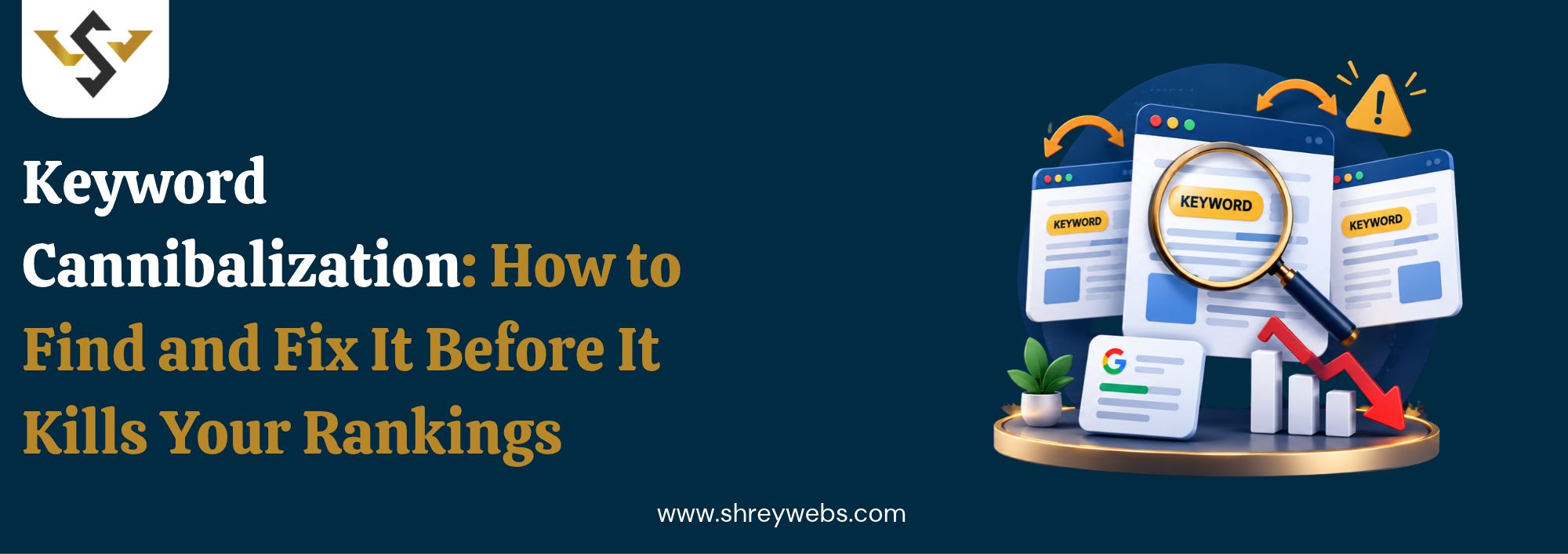
Keyword cannibalization happens when two or more pages on your website target the same search query, so Google can’t decide which one to rank. The result? Both pages sit on page two, trading places every few weeks, while a competitor with one clear page takes the top spot.
We see this on almost every audit at ShreyWebs. A business publishes ten blogs a month for a year, and by month twelve, four of them are fighting over the same phrase. Nobody planned it. It just piled up.
What Is Keyword Cannibalization?
So, what is keyword cannibalization in plain terms? It’s when multiple URLs on one domain compete for the same keyword and the same search intent. Google splits clicks, links and relevance signals across them, and no single page gets strong enough to win. This matters even more now that AI answers often pick one source per query, a point we cover in our guide on Generative Engine Optimization.
Not all overlap counts as keyword cannibalization. The deciding factor is intent. Two pages can both mention “cloud ERP” and be perfectly fine if one sells software and the other explains a concept. Trouble starts when both try to answer the exact same question for the exact same reader.
A Simple Example: Two ERP Pages, One Query
Say you run an ERP software website. You publish a blog called “What Is a Cloud Based ERP? A Beginner’s Guide.” Six months later, your product team rewrites the main product page, and its H1 also asks what is a cloud based erp.
Now Google sees two pages answering one question. In Search Console, you’d watch both URLs swap between positions 9 and 18, week after week. Neither page gets the links or clicks it needs to climb. That’s keyword cannibalization in action.
Why Cannibalization in SEO Hurts Your Rankings
Cannibalization in SEO doesn’t just confuse Google. It wastes money. Every rupee spent on content and links for the weaker page could have pushed the stronger one higher, which is why we check for overlap before planning any of our Digital Marketing Packages.
Here’s what usually goes wrong when your own pages compete:
- Split backlinks: Other sites link to both pages, so neither builds enough authority to reach page one.
- Lower click-through rate: Google may show the weaker page with the worse title, so fewer people click.
- Wasted crawl budget: Bots keep recrawling near-duplicate pages instead of finding your new content.
- Ranking fluctuations: The ranking URL flips back and forth, and your position never settles.
- Lost AI visibility: AI Overviews and LLM answers tend to cite one clear source, and a split topic rarely becomes that source.
How to Find Keyword Cannibalization in SEO
Finding keyword cannibalization in SEO problems takes about an hour on a small site. Start with whatever tools you already have.
Method 1: Use a Keyword Cannibalization Checker
A keyword cannibalization checker speeds things up on bigger sites. Ahrefs, Semrush and SE Ranking all flag keywords where several URLs from one domain rank at once. For online stores, run it alongside our Ecommerce SEO Checklist, because category and product pages overlap constantly.
Method 2: Google Search Console
Open the Performance report, filter by one query, then click the Pages tab. If two or more URLs show impressions for that query, you’ve likely found a case. It’s free and more accurate than any tool. Check your top 50 queries first, since that’s where the money is.
Method 3: The Site Search Operator
Type site:yourdomain.com “your keyword” into Google. If several pages show up with similar titles, look closer. It’s crude (and it misses a lot), but it catches the obvious ones in seconds.
Here’s how the methods compare:
| Method | Best For | Time Needed | Cost |
| Paid SEO tools | Sites with 100+ pages | 15 minutes | Paid |
| Google Search Console | Any site with traffic data | 30 to 60 minutes | Free |
| Site search operator | Quick spot checks | 5 minutes | Free |
| Manual spreadsheet audit | Full content mapping | 2 to 4 hours | Free |
How to Fix Keyword Cannibalization
Not every case of keyword cannibalization needs fixing. If two of your pages rank in the top five together, leave them alone, because you’re holding more of the results page. Act when both pages are stuck below position 8.
Pick one winner per query, then use whichever of these fits:
- Merge and redirect: Combine the best parts of both pages into one URL, then 301 redirect the weaker page.
- Add a canonical tag: Point the duplicate to the main page when both must stay live, like filtered product listings.
- Change the intent: Rewrite one page for a different angle, such as a “how to” guide instead of a “what is” explainer.
- Fix internal links: Point all internal anchor text for that keyword to one page only.
- Noindex thin pages: Add noindex to tag archives or old event pages that add nothing for searchers.
In the ERP example above, merging is the right call. The product page keeps its URL, absorbs the best sections of the blog, and the blog redirects to it. Now there’s one strong answer to what is a cloud based erp instead of two weak ones.
How to Prevent It From Coming Back
Prevention is cheaper than cleanup. The simplest guard against keyword cannibalization is a keyword map: one column for the URL, one for its primary keyword. Before anyone writes a new post, they check the map.
Run a quarterly audit too. Search intent shifts, Google updates roll out, and pages that were fine last year can start overlapping. If you’re still deciding how to approach SEO for your business, this guide on choosing the Best SEO Solution is a good place to begin.
One last tip for AI visibility. Give every important topic one definitive page with a direct 40 to 60 word answer near the top. AI Overviews, ChatGPT and Perplexity pull from pages that answer a question clearly, and one focused page beats three scattered ones.
Conclusion
Keyword cannibalization in SEO is easy to miss and surprisingly quick to fix. Find the overlapping pages in Search Console, choose one winner per query, then merge, redirect or re-angle the rest. Keep your keyword map updated, and keyword cannibalization won’t creep back in.
FAQs
1. What is keyword cannibalization?
It’s when two or more pages on one site target the same keyword and intent, so they compete against each other in Google.
2. Is cannibalization in SEO always bad?
No. If both pages rank in the top five, keep them. Fix it only when both are stuck lower down.
3. What is the best keyword cannibalization checker?
Google Search Console is free and accurate. For large sites, Ahrefs or Semrush saves time.