
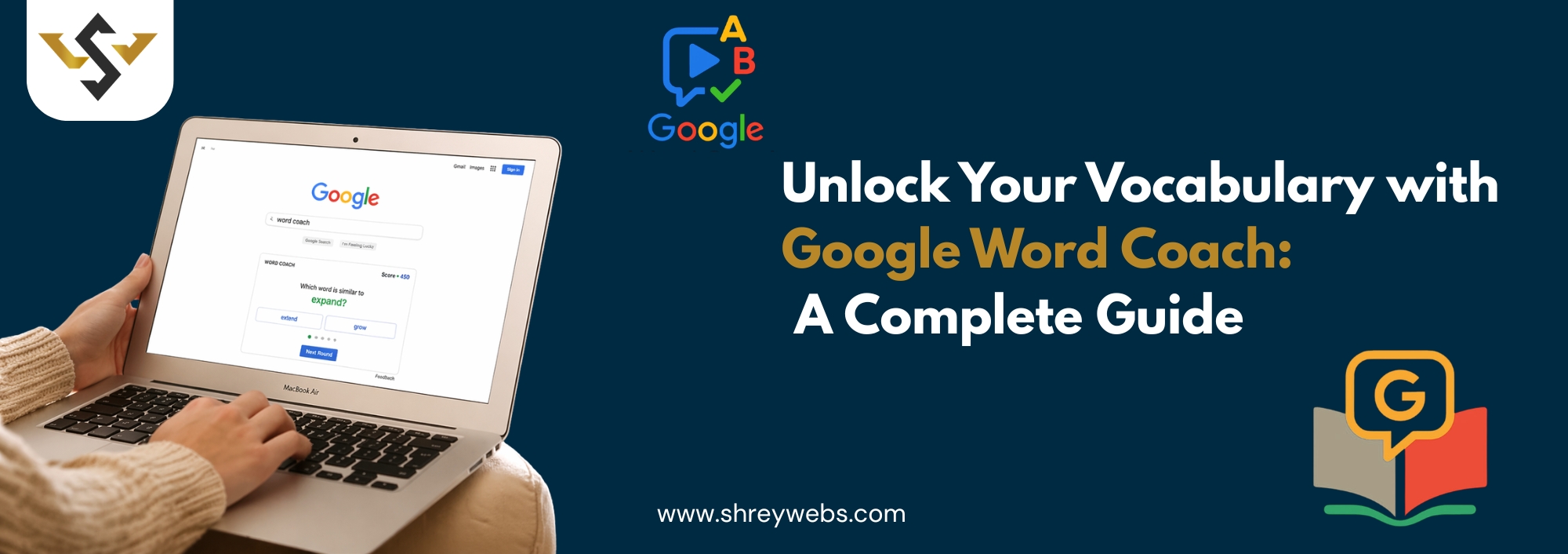
With the use of Google Word Coach, developing a better vocabulary doesn’t have to become boring like traditional methods. Its interactive interface is developed for teachers, professionals, and anyone interested in expanding their English vocabulary. It is also incredibly simple and free to use.
This guide will help you get the most out of Google Word Coach. It will provide you details of its features and how to use it effectively.
What is Google Word Coach?
Google Word Coach is a free vocabulary quiz that is search-related. It is initiated when you search for a definition of a word or anything language-related. It is a developing tool outside of the English vocabulary and quickly made its way into many global regions.
Google Word Coach quiz is a different tool to use outside of a standard dictionary. Its quiz-style interface allows you to select correct answers to multiple-choice synonym or vocabulary questions. It also asks you to select images associated with vocabulary words. It keeps track of your scores and challenges you to keep streaks. This feature turns the experience into a game, making it more engaging and less boring.
Guide to Playing Google Word Coach
Playing Google Word Coach game only requires a few easy actions. Select your preferred web browser first. Look for something like “define happy” using your preferred search engine, such as Google, Firefox, etc. The Word Coach widget needs to show up beneath the definition card. The best part is that you don’t have to download anything to your device or register for an account. Playing this game is totally free, so enjoy yourself!
Keep an eye on your score. Try to achieve a longer streak on your next attempt.
Steps to Start Playing
- Using your mobile device or computer, open Google.
- Look up a definition of any word or simply type in Google Word Coach” in the search prompt.
- Look for the Word Coach card, which should appear below the dictionary entry.
- When presented with a choice of two options, select your answer.
- Keep an eye on your score. Try to achieve a longer streak on your next attempt.
Google Word Coach for Class 4 Students
Many have found it beneficial to use Google Word Coach quiz students. This is one of the most interesting aspects of the tool. Google Word Coach adjusts the difficulty of the words based on a player’s previous answer patterns, which makes the game perfect for entry-level learners who want to expand their English vocabulary.
For students in Grade 4, the Google Word Coach for class 4 experience is designed with a visually appealing and straightforward format to create an engaging and enjoyable vocabulary-gaming experience. This is similar to how employees use theMeta Ad Library to reveal trends in language and audience interest. Word Coach helps students learn words and their relevance in day-to-day life.
Benefits for Young Learners
- Develop vocabulary by pairing words with images.
- Provides motivation to practice each day with a score-based system.
The following offers a definition and description of Word Coach and its benefits to users and ads.
Word Coach offers basic to intermediate vocabulary that is appropriate for school-aged users.
Word Coach is a great learning tool that does not require a subscription or account to learn. Just open and learn!
Using Google Word Coach in english
The Google Word Coach in English feature is a great tool to use if you want to improve your English. You get to learn and quiz yourself on vocabulary that you will hear and use in your everyday life. This helps you learn the definition of a word, synonyms, and the context in which you can use the word.
It is important to have a good vocabulary for communication in the digital space; this is especially true for advertising and marketing. This is great for someone preparing for the IELTS, TOEFL, or any other assessment that tests Google Word Coach in English proficiency. Having a good vocabulary helps you communicate better in all areas. You will be a betterPPC Advertising Experts Specialist because you will be able to write better ads.
Understanding Google Word Coach Answers
Users want to know the answers to Google Word Coach answers and want to learn why one answer is better than the other. Typically, the quiz gives you a brief definition or description of the answer after each question, which gives you instant feedback. This is valuable when compared to other vocabulary memorization apps.
Instead of memorizing Google Word Coach answers, use the definition or description to understand the word better. This will improve your retention of the word and will help you use it in the future to write and have conversations.
Tips to Maximize Your Google Word Coach Score
- Play every day, preferably even for a few minutes. This will help you grow your vocabulary.
- Be sure to read all the options before answering the questions. This will help you be more selective in your responses.
- Review explanations — learners should read the answer explanations, especially if they got the answer wrong.
- Use new words — after the quiz, try using the newly learned words in sentences or emails.
- Combine with reading — try to use Word Coach alongside daily reading to strengthen retention of vocabulary.
Why Google Word Coach Stands Out Among Vocabulary Tools
When it comes to digital marketing, the same thing can be said about accessibility. Companies that useGoogle Ads Management, learn quickly that words and audience targeting are the keys to success and Google Word Coach provides that high level of clarity and precision in what you are trying to say.
Conclusion
Google Word Coach is among the most underappreciated vocabulary-pioneering tools at the moment. Whether you are practicing it as a non-native speaker or using Google Word Coach for class 4, or playing the Google Word Coach game for enjoyment, this tool really has something for everyone.
Incorporate it into your daily habits. Review your Google Word Coach answers, and try Google Word Coach quiz to help expand your vocabulary one word at a time.