
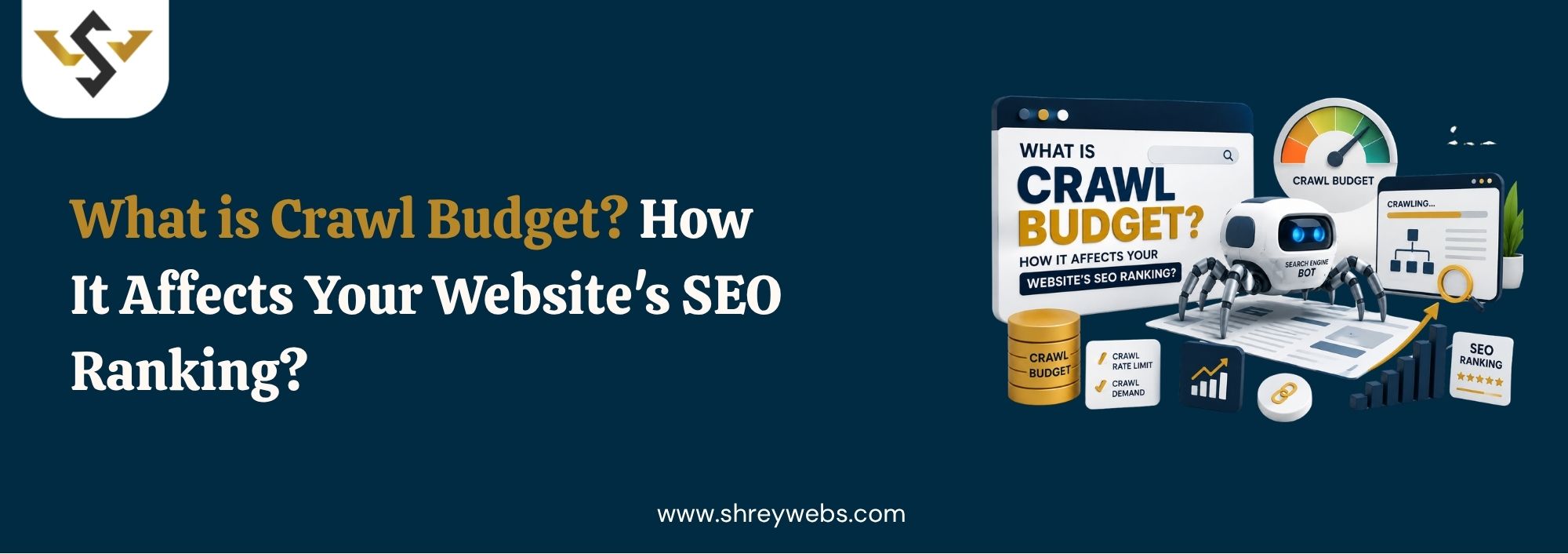
Googlebot doesn’t crawl every page on your site every single day, and for large or fast-changing websites, that limitation can quietly cost you rankings. Ever wondered why some pages sit unindexed for weeks while others get picked up overnight? It usually comes down to one thing: crawl budget. Understanding what is crawl budget and how Google allocates it is the difference between fresh content getting found fast and important pages getting buried in a queue nobody checks. This guide walks through what is crawl budget, why it matters more for larger sites than small ones, and what you can actually do about it. We’ll also cover the signals search engines use to allocate it, common mistakes that waste crawl activity, and how this fits into search visibility now that AI-driven answers are part of everyday search behavior.
What Is Crawl Budget?
So, what is crawl budget in seo terms? It’s the number of pages Googlebot is willing and able to crawl on your site within a given timeframe. Google doesn’t set this number arbitrarily. It’s shaped by two forces: how much your server can handle without slowing down, and how much Google actually wants to crawl your site based on its perceived value and freshness.
For deeper context on how crawling connects to the next stage of the process, see this guide on What Is Website Indexing, since crawling and indexing are related but not the same thing. A page can be crawled without ever getting indexed, and that gap is where a lot of SEO problems start.
How Crawl Budget Affects SEO Rankings
Why Crawl Budget Matters More for Bigger Sites
A blog with fifty pages rarely runs into crawl budget trouble. An ecommerce store with fifty thousand product and filter URLs is a different story entirely. This is where the practical side of what is crawl budget in seo shows up: when it gets spread thin across low-value pages, like duplicate filter combinations or thin tag archives, your genuinely important pages wait longer to get crawled, re-crawled, and refreshed in the index. Understanding how to check crawl budget helps you improve indexing efficiency and optimize your SEO performance.
Crawl Rate vs Crawl Demand
Crawl budget isn’t one single number. Google breaks it into crawl rate, which is how fast Googlebot can hit your server without causing problems, and crawl demand, which is how much Google wants to crawl based on popularity and how often content changes. A slow server caps your crawl rate no matter how much demand exists, and stale, rarely-updated content lowers demand even if your server could handle more.
Here’s what tends to eat into crawl budget the fastest:
- Thousands of duplicate URLs created by faceted navigation and filters
- Broken links and redirect chains that waste crawl requests on dead ends
- Slow server response times that force Googlebot to back off
- Orphaned or deeply buried pages with no clear internal linking path
- Low-quality, thin pages that rarely change and add little value
Google Crawl Budget: What Actually Drives It
Server Health and Response Time
Google crawl budget calculations lean heavily on server performance. If your site starts returning errors or slowing down under crawl activity, Googlebot pulls back automatically to avoid overwhelming your infrastructure. This is one reason hosting quality and caching setup matter just as much as content strategy once you understand what is crawl budget in seo really means for site health.
Content Freshness and Internal Linking
Pages that update regularly and sit close to the homepage in your site structure tend to get crawled more often. Orphaned pages, or ones buried five clicks deep, signal low priority to Google’s crawlers, even if the content itself is genuinely useful. This also matters for pages that already got crawled but never made it into the index. If you’re dealing with that specific issue, this piece on Crawled – Currently not Indexed walks through the most common causes and fixes. Crawl budget is mainly a concern for large websites with thousands of pages, such as eCommerce stores, news websites, marketplaces, and enterprise-level sites.
A few practical steps tend to move the needle fastest:
- Fix or noindex low-value pages instead of letting them sit in the crawl queue
- Keep your XML sitemap current and free of removed or redirected URLs
- Improve internal linking so important pages sit closer to the homepage
- Monitor crawl stats in Search Console for sudden drops or spikes
- Block unnecessary URL parameters through robots.txt where appropriate
Getting this right also means keeping an eye on pages that already got crawled but never made it into the index, since that gap is often where rankings quietly leak away.
Crawl Budget and AI Overviews, AEO, GEO, and LLM Visibility
Crawl budget isn’t just a classic-search concern anymore. AI Overviews and generative search tools depend on Google’s index being current, and an outdated or incomplete crawl means your content may not be available for AI systems to reference in the first place. If Googlebot can’t reach a page efficiently, it can’t feed that content into the systems powering AI-generated summaries either.
For answer engine optimization and generative engine optimization, freshness and crawlability matter even more than they used to. Clear internal linking, fast server response, and clean sitemaps used to be classic SEO hygiene. Now they also decide whether large language models and AI assistants can access, verify, and cite your content when generating an answer.Implementing crawl budget SEO best practices ensures better resource allocation for search engine crawlers.
Common Crawl Budget Mistakes to Avoid
Many sites waste crawl budget without realizing it. Thousands of parameter-based URLs left open to crawling. Soft 404s nobody’s fixed. Redirect chains that keep piling up. Each of these forces Googlebot to spend requests on pages that add nothing to your rankings.
Another mistake is treating crawl budget as a set-it-and-forget-it issue rather than something to monitor regularly, especially after a migration or major site restructure. A proper On Page SEO Audit usually surfaces these crawl issues early, before they start dragging down rankings for pages that actually matter.
Conclusion
Crawl budget determines how efficiently Google discovers, re-crawls, and refreshes your pages, and for larger or fast-changing sites, mismanaging it directly affects how fast new or updated content shows up in search. Fixing broken links, cleaning up duplicate URLs, strengthening internal linking, and keeping your server responsive all feed back into a healthier google crawl budget over time. Start with a crawl stats check in Search Console, then work through the mistakes above one at a time.
Crawl Budget Factor | What It Controls | Where to Check It |
Crawl Rate | Server capacity Googlebot can safely use | Search Console crawl stats |
Crawl Demand | How often Google wants to revisit pages | Index coverage and content freshness |
Internal Linking | How easily priority pages get discovered | Site architecture and sitemap |
FAQs
Q1. What is crawl budget and why should I care?
Crawl budget is how many pages Google crawls on your site in a given period, and it directly affects how fast new or updated content gets indexed.
Q2. How do I check my crawl budget usage?
Search Console’s crawl stats report shows crawl requests, response times, and file types Googlebot has been hitting recently.
Q3. Does every website need to worry about crawl budget?
Not really. Small sites with a few hundred pages rarely hit crawl budget limits, but larger or frequently changing sites should monitor it closely.